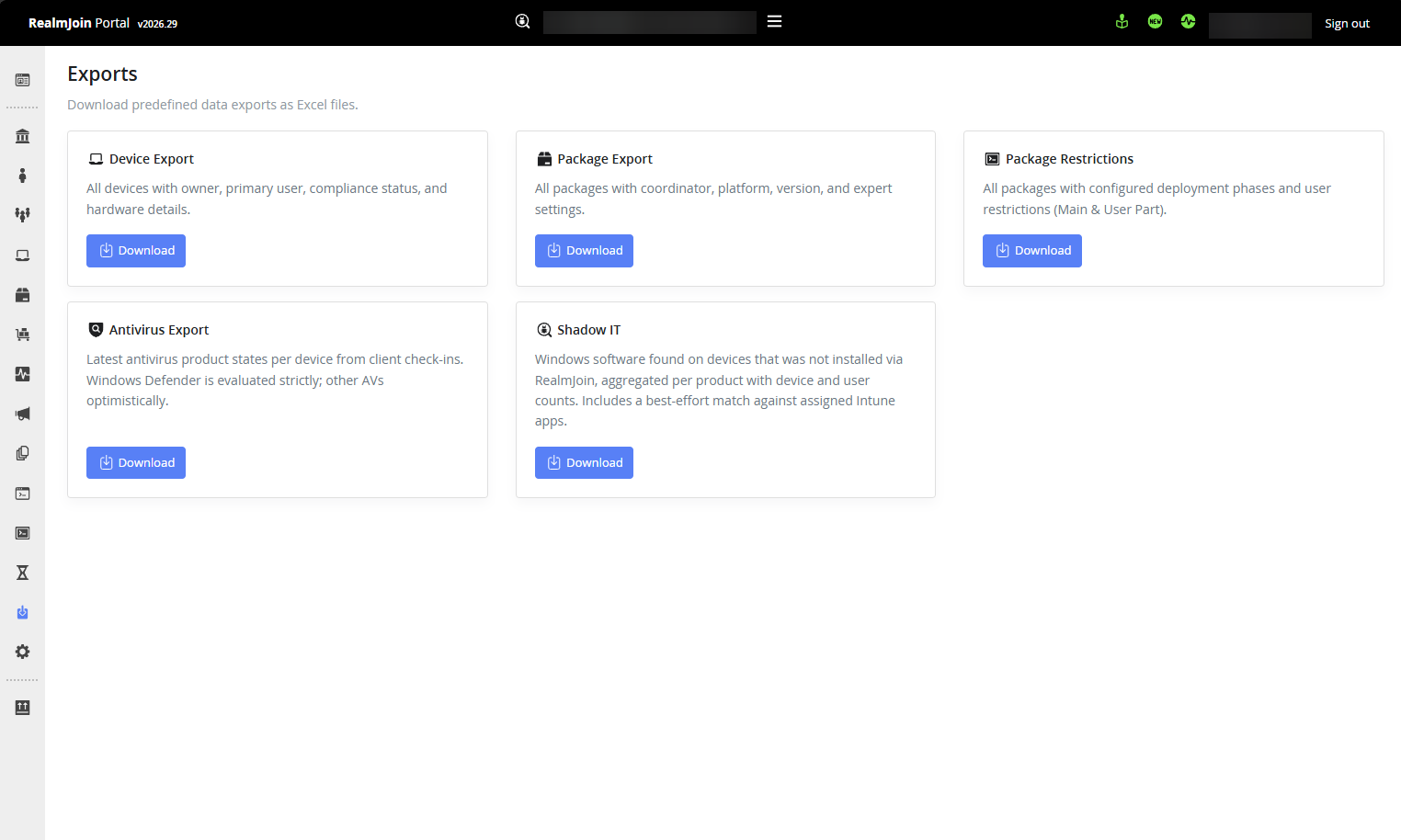
# 特定データのエクスポート

RealmJoin は、ポータル外で Tenant データを扱えるエクスポート機能を提供します。

## 一般的なエクスポート

要求したデータについて User、Group、Device、Package の各テーブルを照会し、すべての列を含む照会データの OpenXML ファイルを生成できます。

テーブルに移動して検索を実行し、右上隅のダウンロードボタンを押すだけです:

<figure><img src="/files/34ea1ab9d39b994a888ef8fb0a904b1ef271093e" alt=""><figcaption></figcaption></figure>

## エクスポートの使用例: ソフトウェアレポート

で、特定のソフトウェアとパッケージを照会できます [ソフトウェアレポート](https://portal.realmjoin.com/softwarereport/all) すると、さまざまなインストール済みバージョンを持つユーザーまたはデバイスの結果テーブルが得られます。

"Devices" 列または "Users" 列のエントリをクリックすると、事前にフィルターされたテーブルビューが表示され、上のスクリーンショットに示されているエクスポートボタンから簡単にエクスポートできます。

これにより、インストール済みソフトウェアの評価を行い、古いバージョンを使用している Devices と Users を特定できます。

<figure><img src="/files/8e1453a2dcdf72eb006ab4bf5a0dbfab16faecd9" alt=""><figcaption><p>Windows 向け Git のインストール済みバージョンの概要</p></figcaption></figure>

{% hint style="info" %}
RealmJoin でのソフトウェアレポートについて詳しくは、以下をご覧ください [ソフトウェアレポート セクション](https://docs.realmjoin.com/app-management/software-reporting).
{% endhint %}


---

# Agent Instructions: Querying This Documentation

If you need additional information that is not directly available in this page, you can query the documentation dynamically by asking a question.

Perform an HTTP GET request on the current page URL with the `ask` query parameter:

```
GET https://docs.realmjoin.com/ja/toekusupto/data-export.md?ask=<question>
```

The question should be specific, self-contained, and written in natural language.
The response will contain a direct answer to the question and relevant excerpts and sources from the documentation.

Use this mechanism when the answer is not explicitly present in the current page, you need clarification or additional context, or you want to retrieve related documentation sections.